Multifeed
Design Challenge:
How can an interactive application reduce the complexity of feed management to such an extent that employees of Dutch micro enterprises can offer and manage products themselves on various marketplaces, without having the technical knowledge?
Marketplaces like Amazon, Ebay and the dutch company Bol.com have become very popular over the years. Consumers like to buy their products through these platforms, because of several advantages like competitive pricing and fast delivery. Trading companies that follow this trend know that it’s very beneficial to sell their products through these platforms in addition to their own webshop. For smaller companies this is either too expensive or it takes too much time and effort.
Since there was not yet an application that was suitable for smaller companies, I started the (graduation) project in collaboration with Prodos. Through interviews and online research I found out what is really important for smaller companies. Below you can read about all the important steps I took while designing the application Multifeed.
Bootcamp
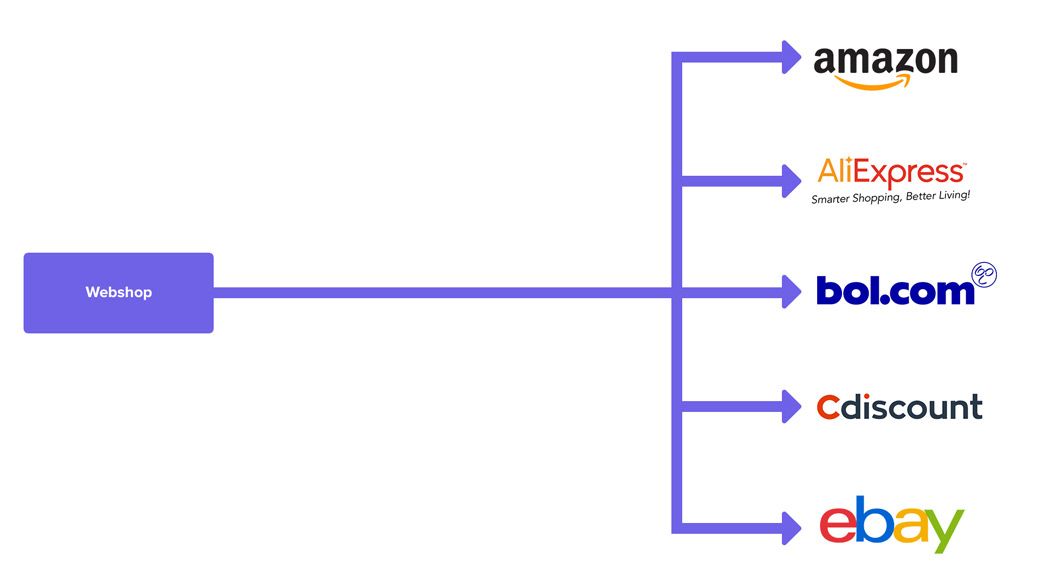
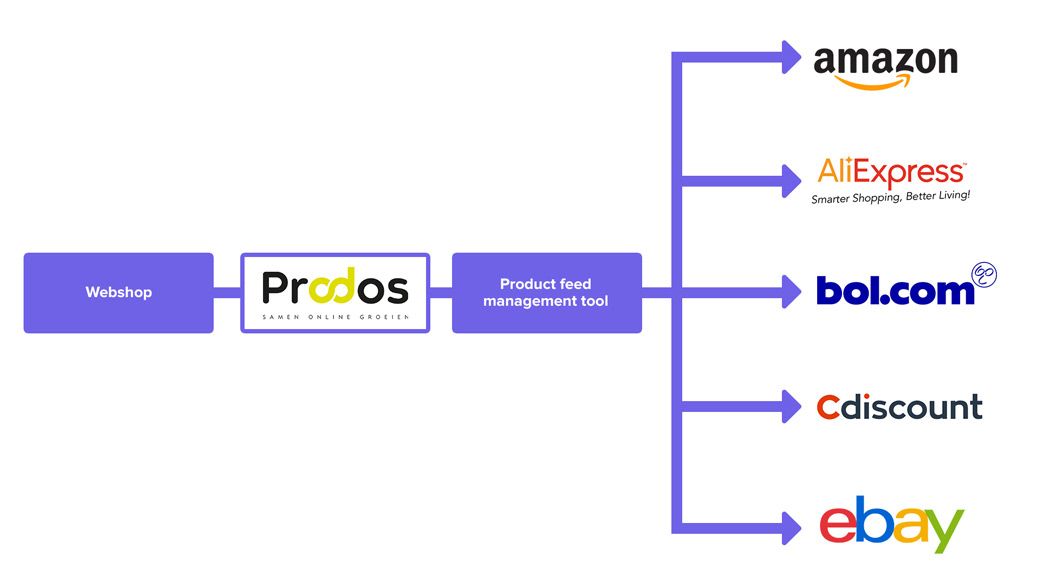
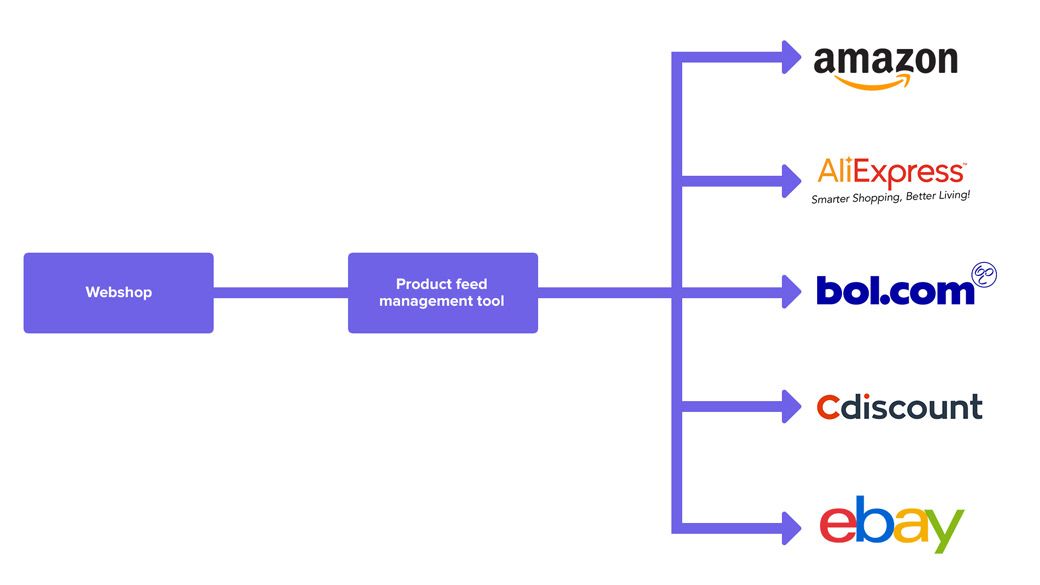
While talking with Prodos about this topic, I learned that there are different ways in which a customer can offer their products on marketplaces and what the disadvantages are for micro entrepreneurs.
The different methods:
Research
To find out whether these claims were correct, I decided to do some field research. First I interviewed several candidates from the target group. In addition I ran a little test in which I let the micro entrepreneurs work with a product feed management tool to see what problems they would encounter.
Interviews
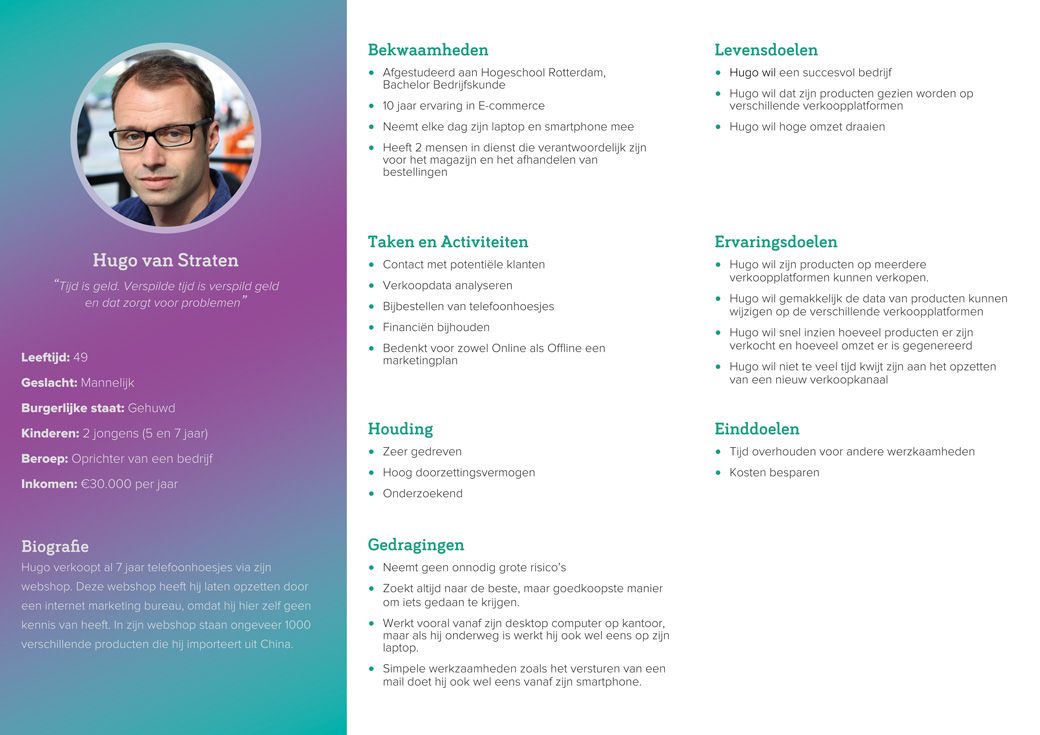
In order to get a better idea of who exactly the micro entrepreneur is, I conducted a number of interviews with various micro entrepreneurs. Several things I have discovered during the interviews is shown schematically in the persona below.
Persona
Dutch micro entrepeneurs
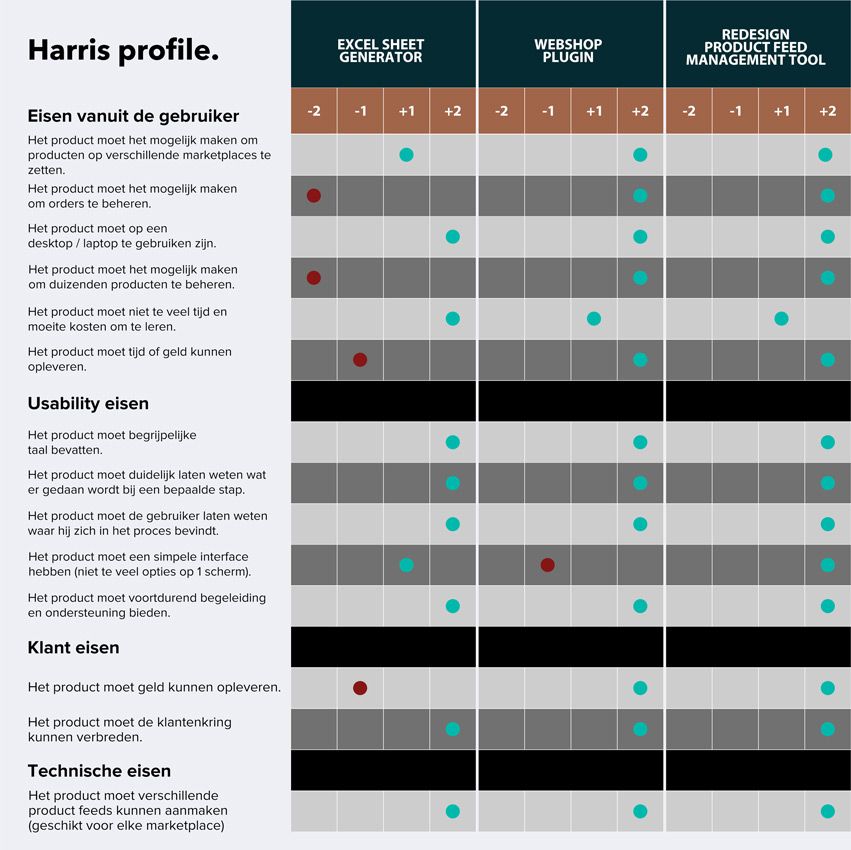
User Requirements:
- It should be possible to place products on different marketplaces.
- It should be possible to manage thousands of products.
- It should be possible to view and manage incoming orders.
- The application must work on desktop / laptop.
- Learning the application shouldn't take too much time and effort.
- The application must be able to generate time or money.
User Tests
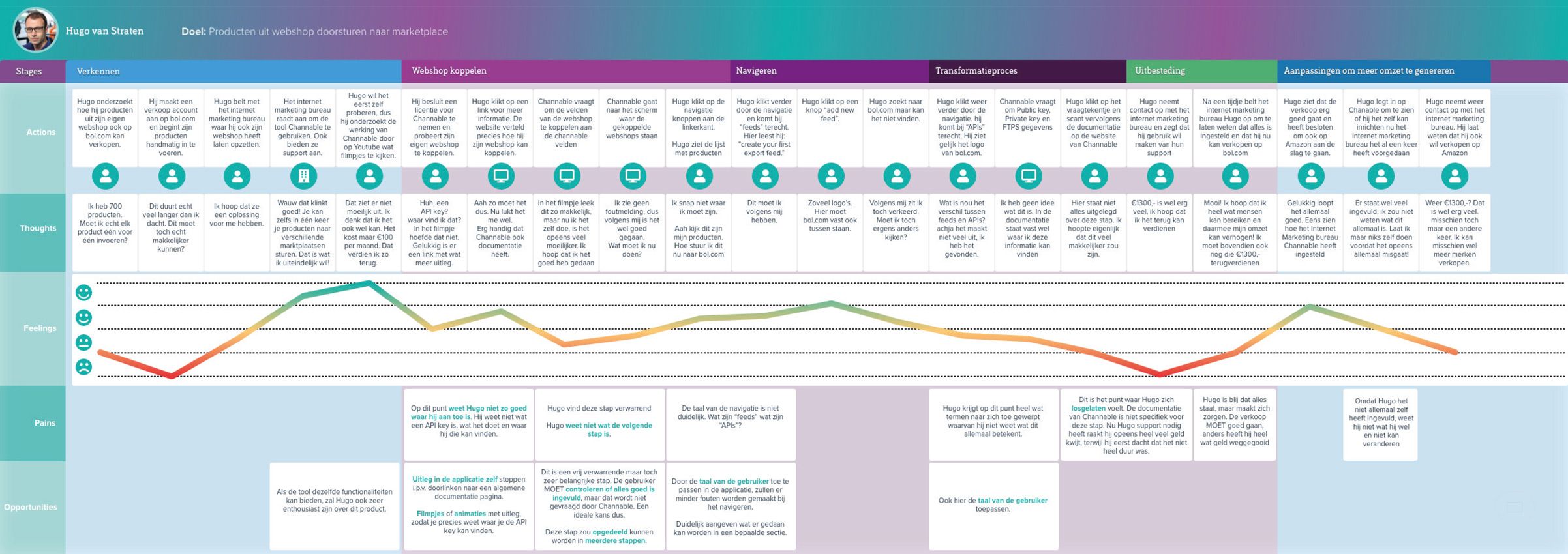
For these tests I set up a dummy webshop with a number of products in it. The micro entrepreneurs were then given the task of linking this webshop with the Product feed management tool. After linking the webshop, the micro entrepreneurs were given the task of forwarding the products to a marketplace. To visually show how a micro entrepreneur gets started with a product feed management tool, I created the Customer Journey below.
Customer Journey
Dutch micro entrepeneur tries to use a product feed management tool.
Usability Requirements:
- The application should use understandable language.
- It must be clear what must be done at a particular step.
- The application must let the user know where they are in the process.
- The application must have a simple interface.
- The application must provide ongoing support and guidance.
Ideation
I held a brainstorming session together with two experts from Prodos. Here we let go of the usability requirements so we wouldn't limit ourselves in gaining ideas.
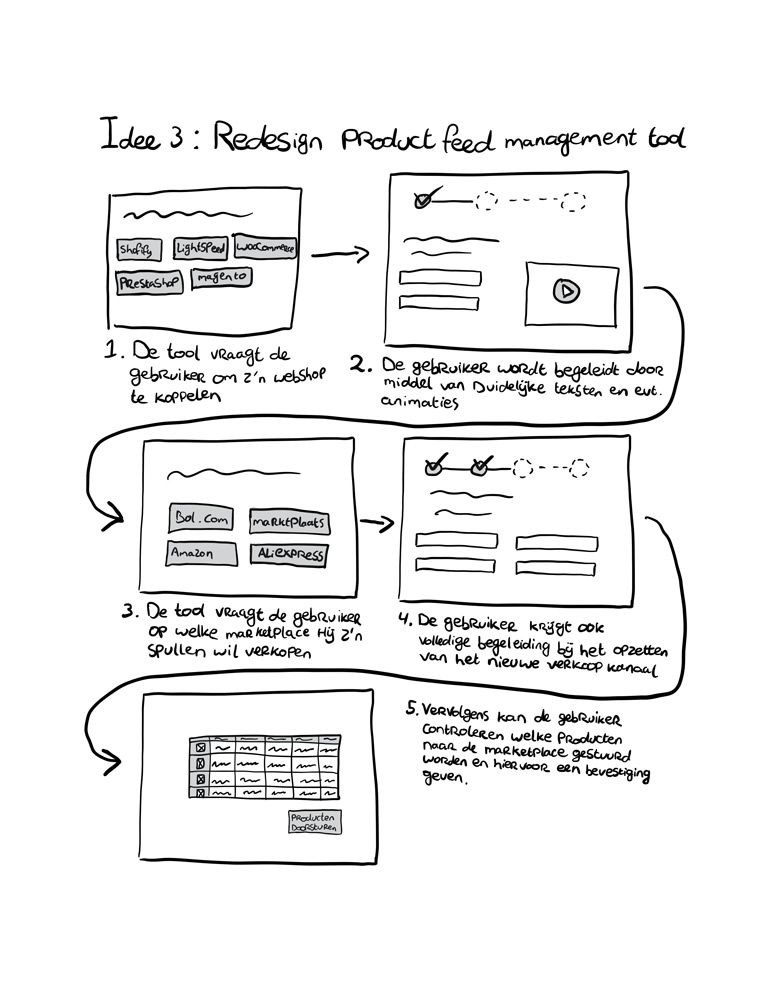
We eventually came up with a number of different solutions. These were not completely clear yet, so we started discussing them with each other. Then we found out that some of our individually conceived ideas could be pieced together into a better solution. This ultimately resulted in 3 concepts.
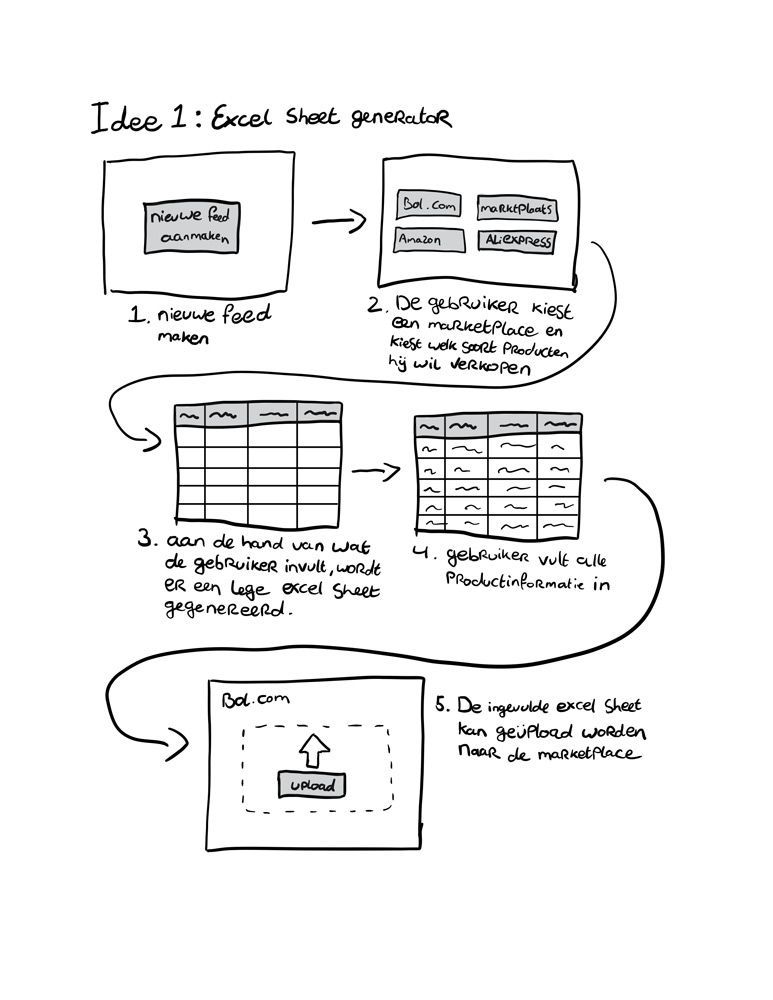
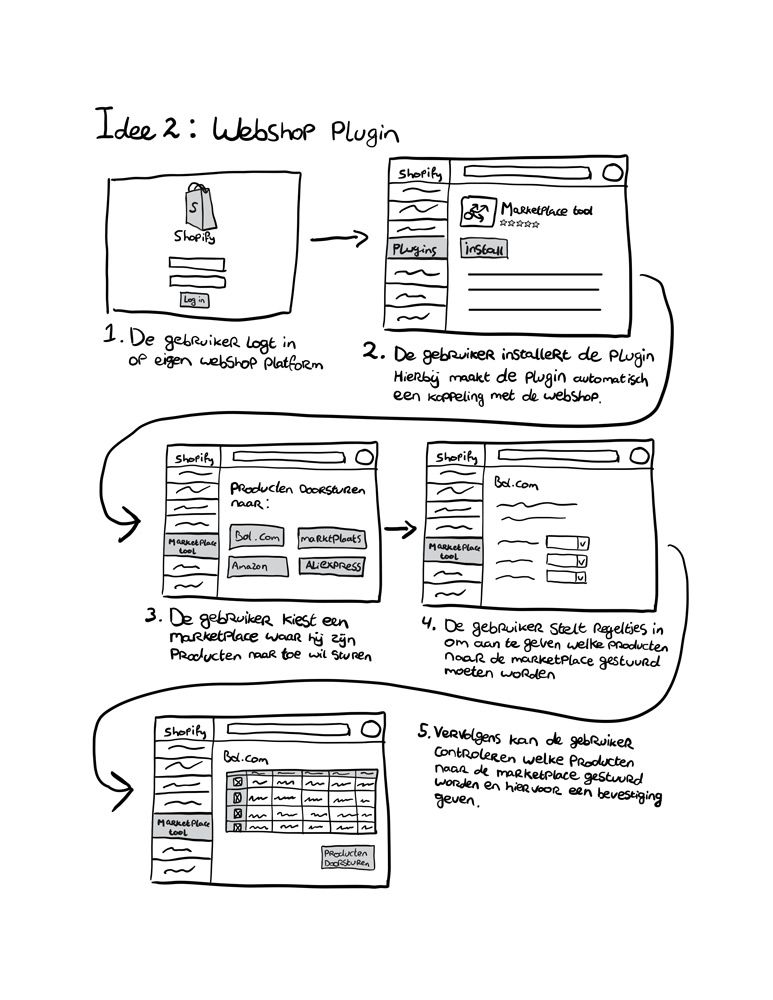
Harris Profile
In the end I opted for the third concept: Doing a redesign on a product feed management tool. I made this decision by weighing all conceived concepts against one another with the help of a Harris profile.
Product Development
Sketches
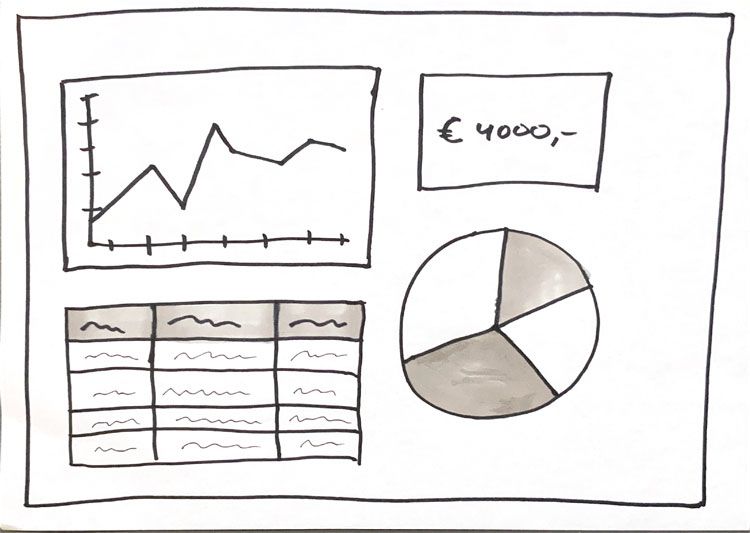
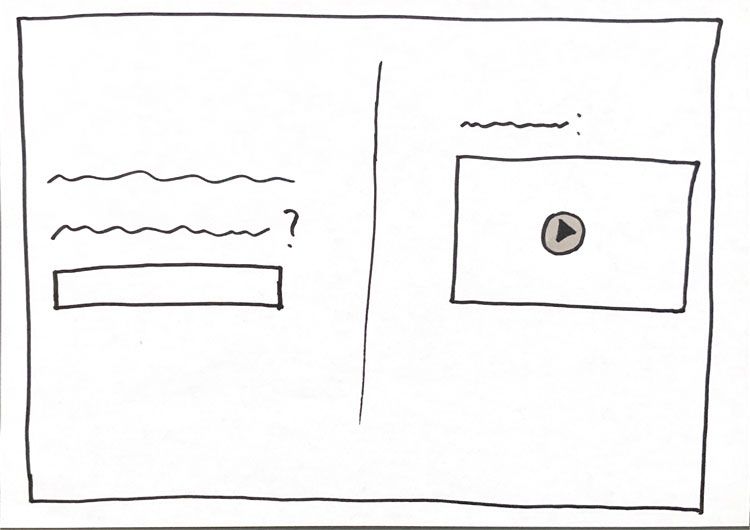
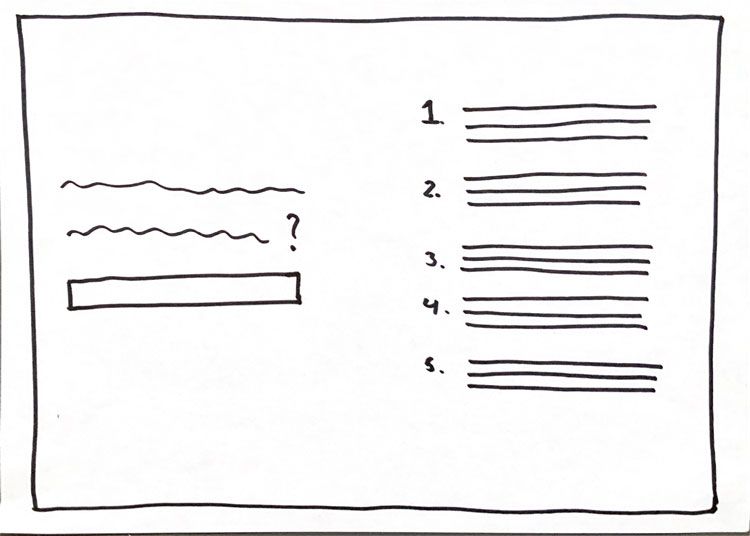
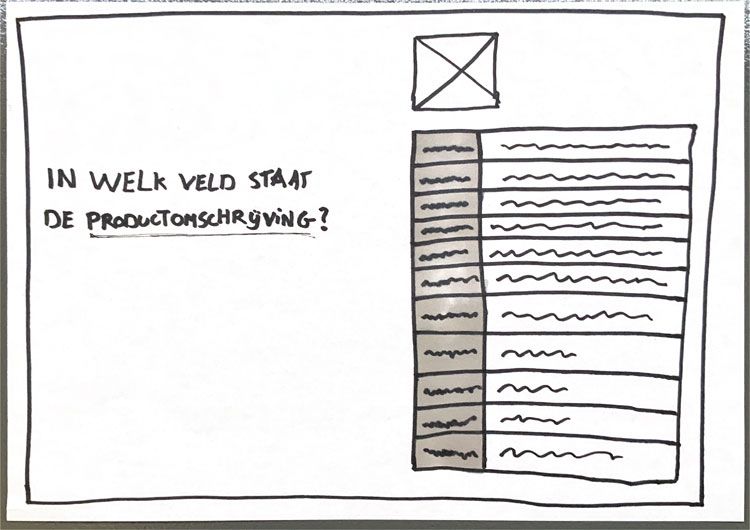
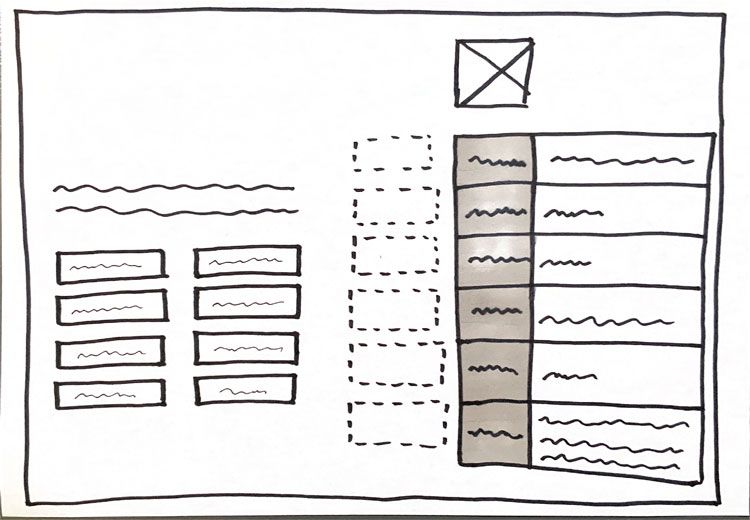
When making the sketches, I mainly looked at the different design challenges at hand. I listed these challenges as questions that start with “how can the user…”. I then answered each question by looking for a functional design pattern or by sketching something myself.
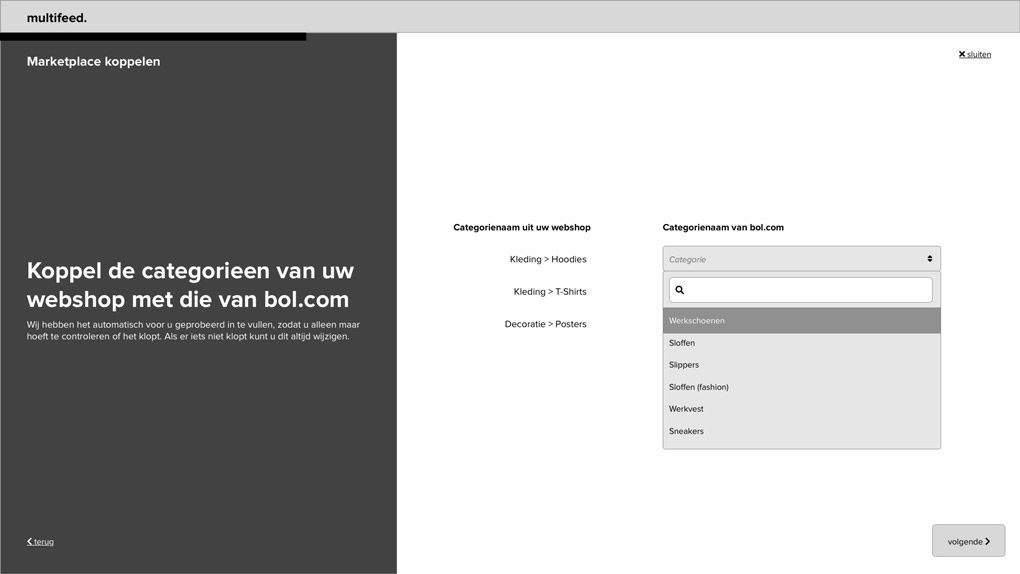
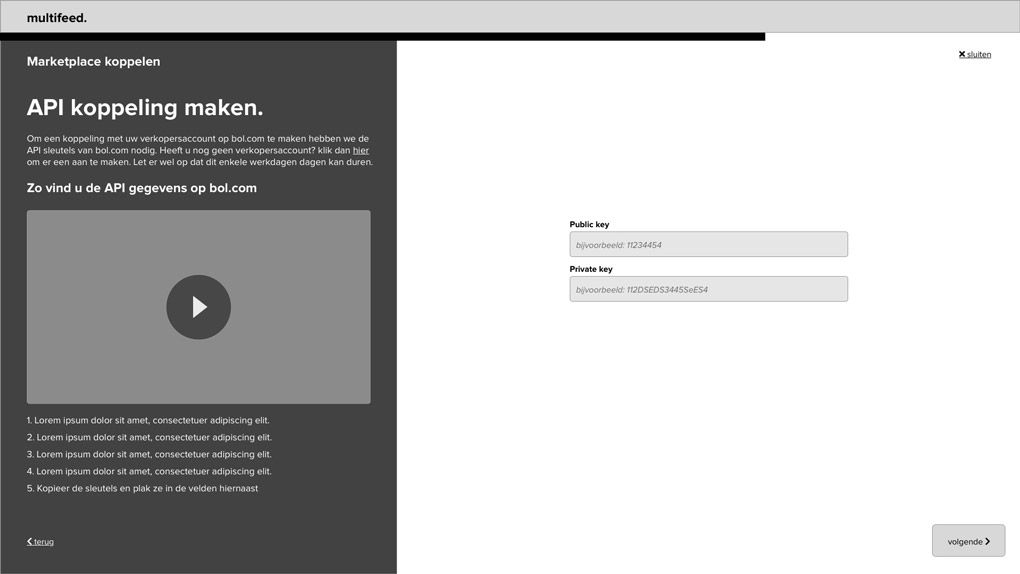
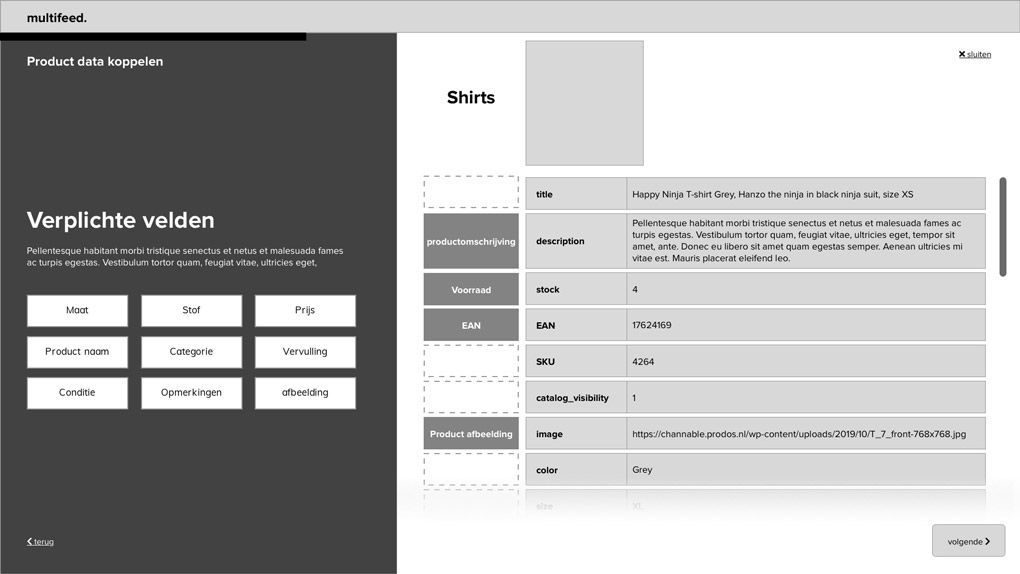
Hi-Fi Wireframes
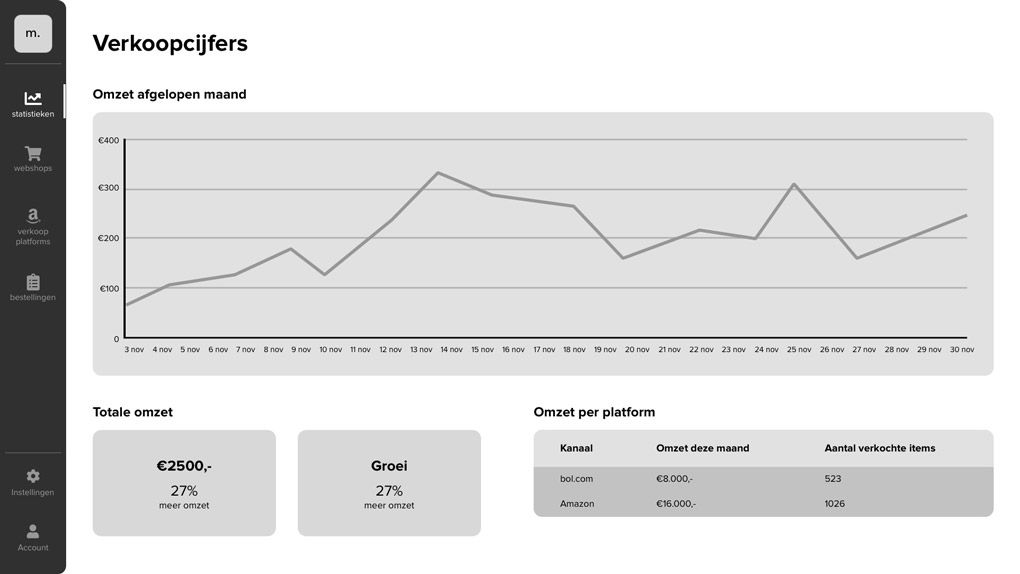
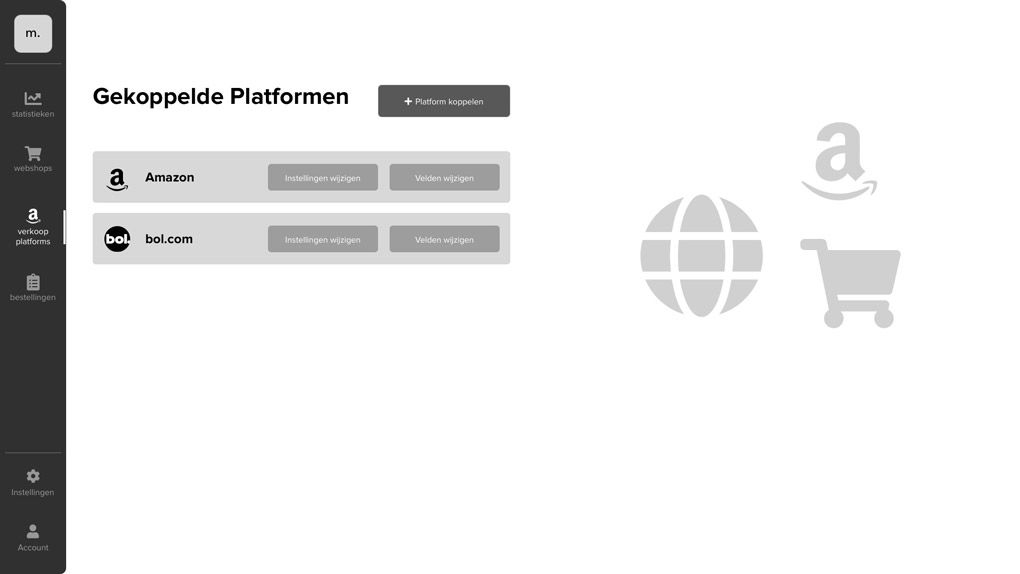
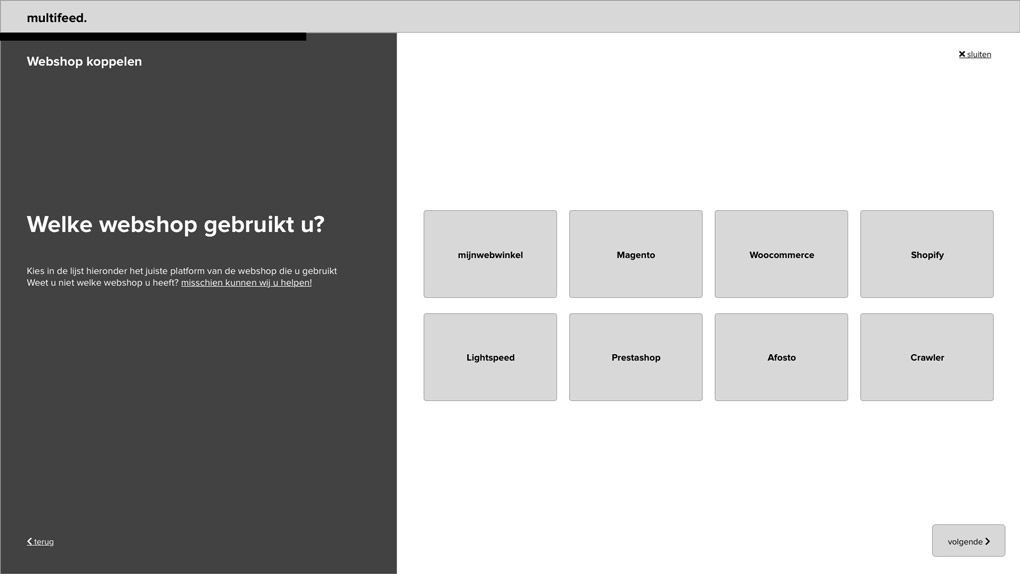
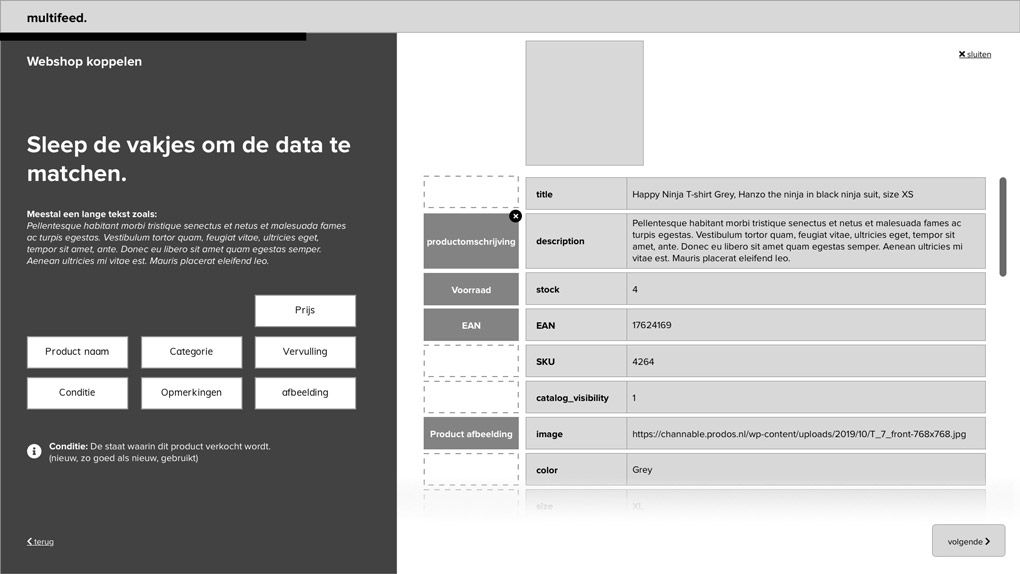
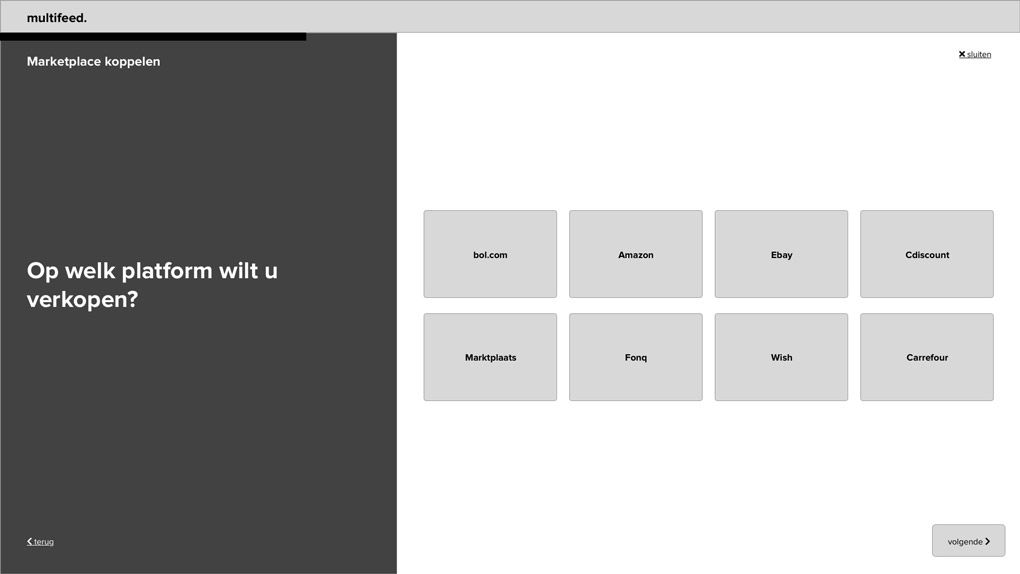
By answering the questions above, I explored different ways of interaction and then selected the best one for redesigning the product feed management tools. I then made Hi-Fi wire frames with this.
Determining the visual style
First, I wanted to put together a color palette for the application. For this I have tried several things. In the end I was satisfied with the last design.
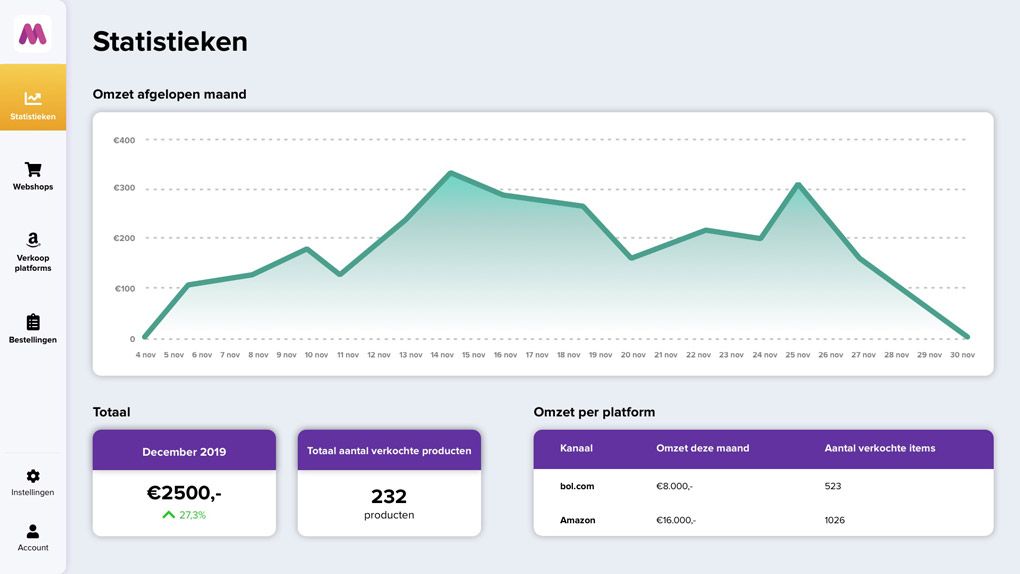
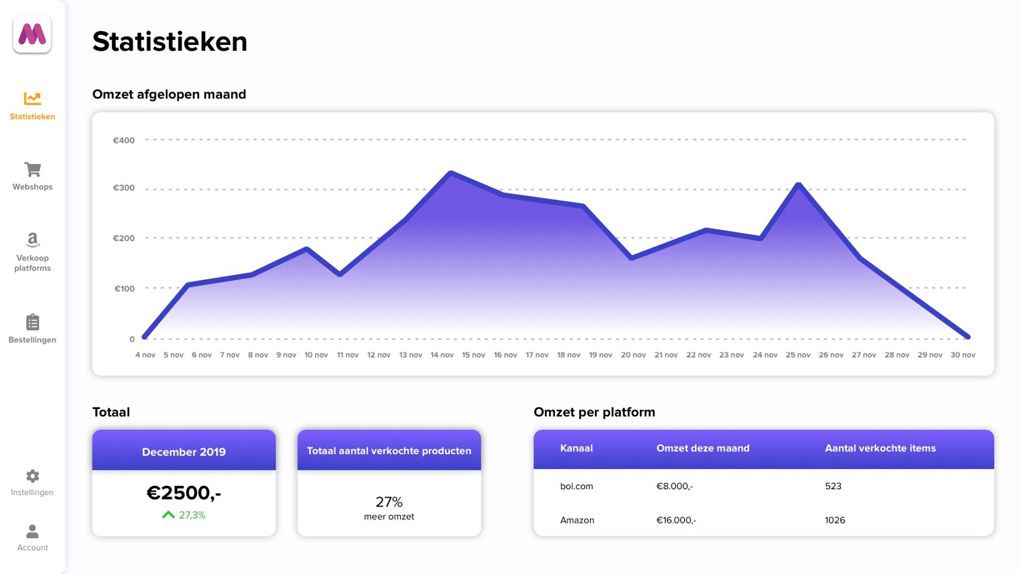
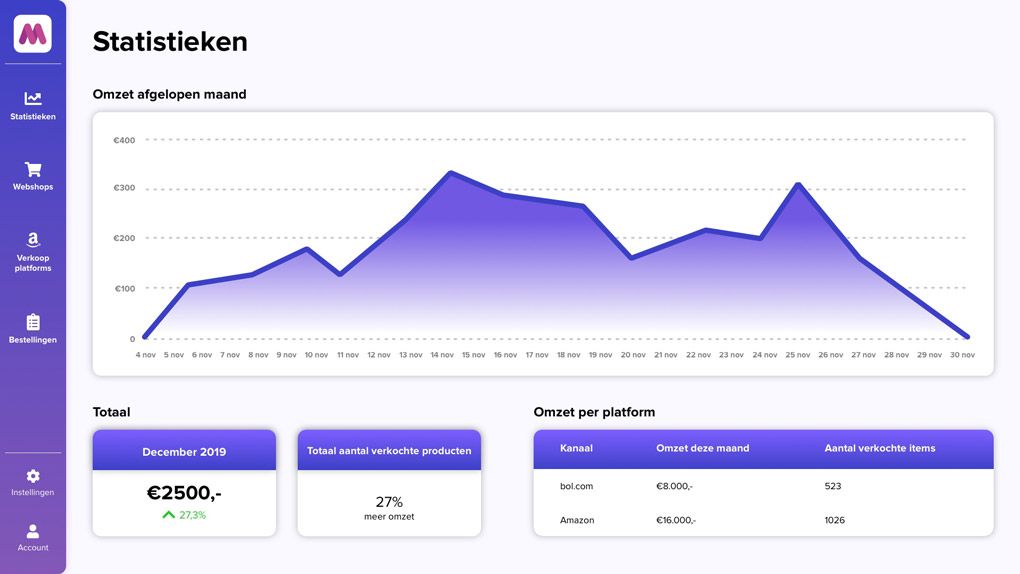
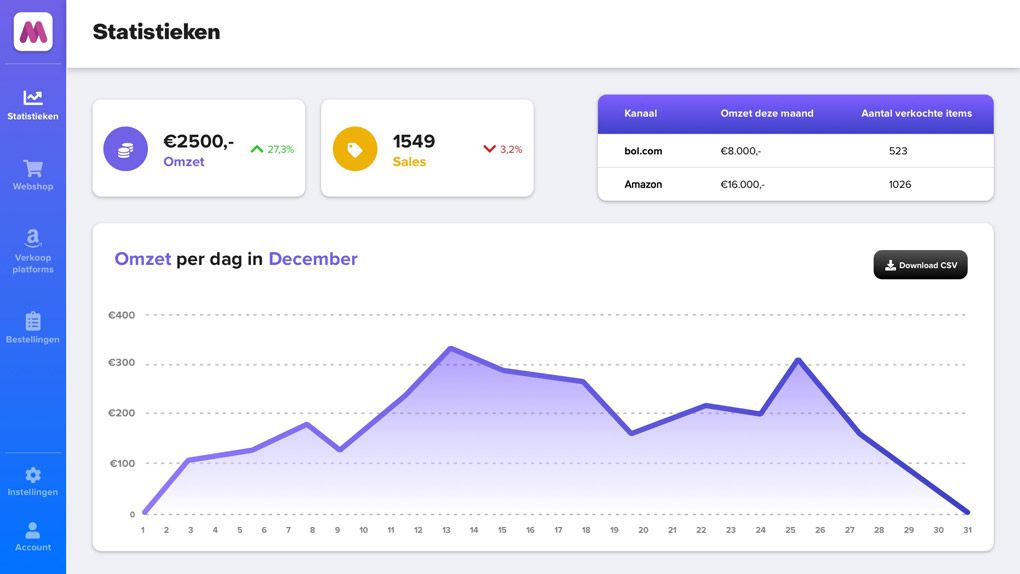
While designing the first screen, I already thought about a name and a logo for the application. The name would be “Multifeed”, which means “Multiple Product Feeds”

To fill in empty spaces within the interface I designed the illustration below.

Illustration
More Interface Designs
In the end I designed more screens based on the dashboard design.
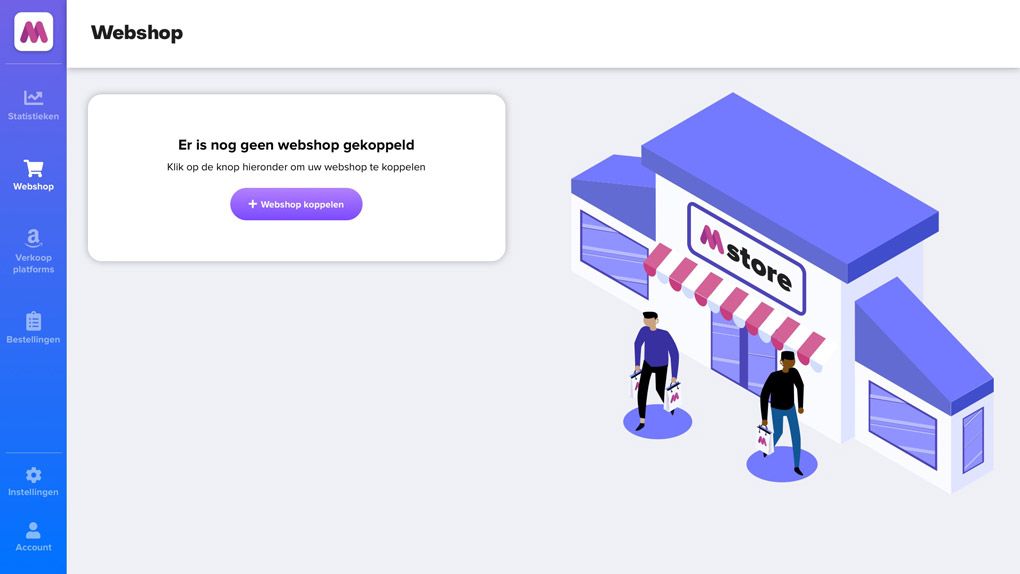
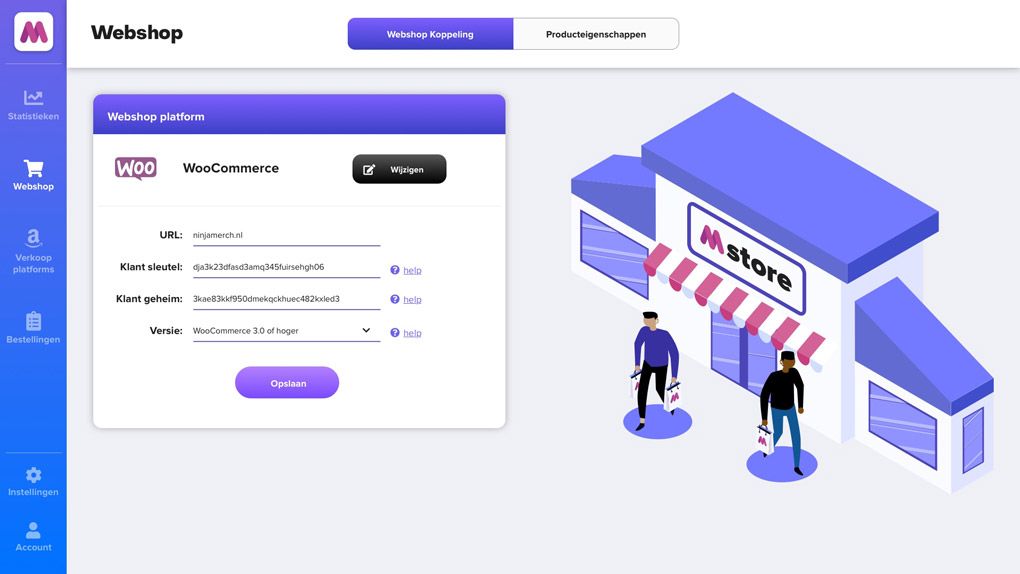
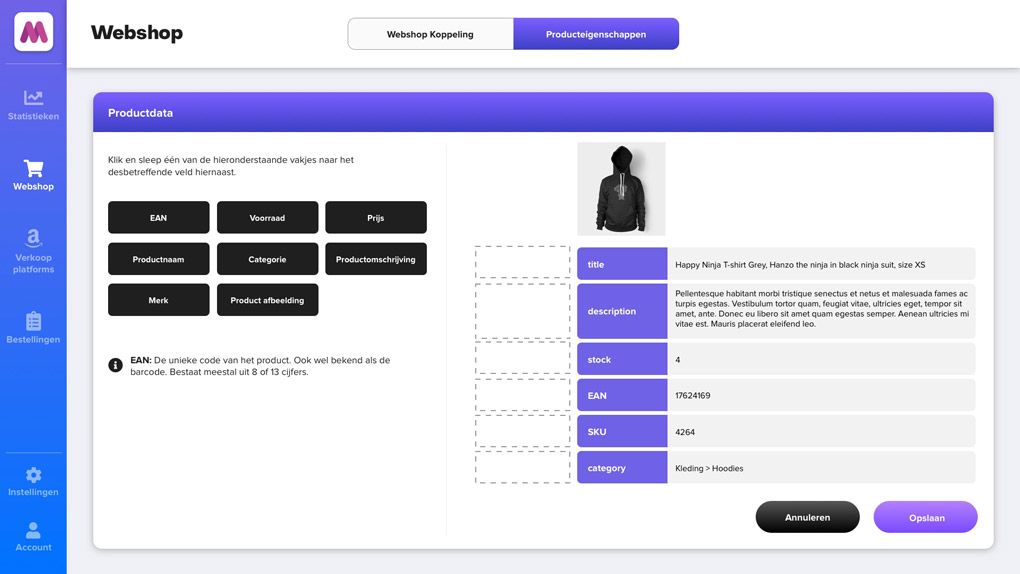
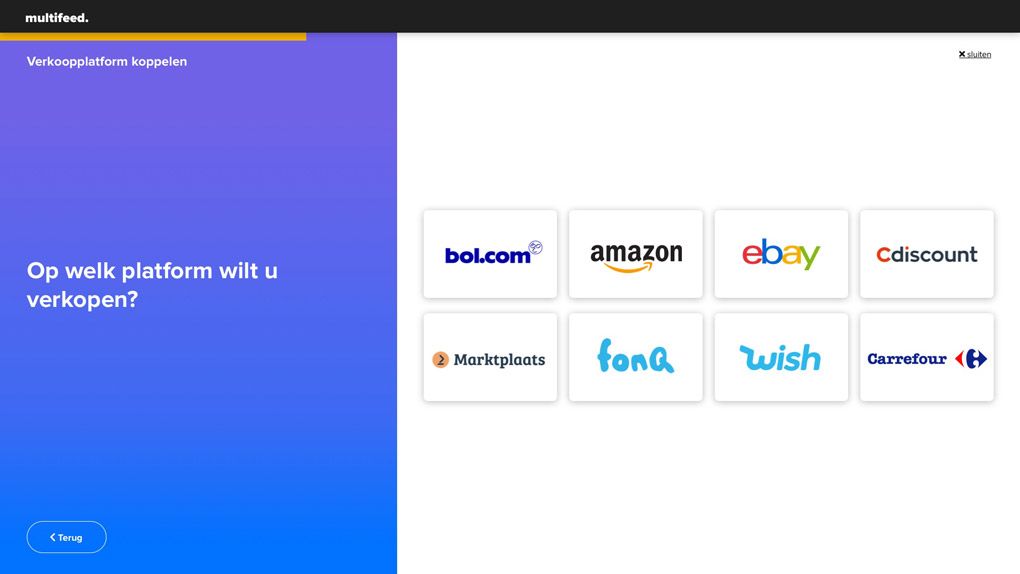
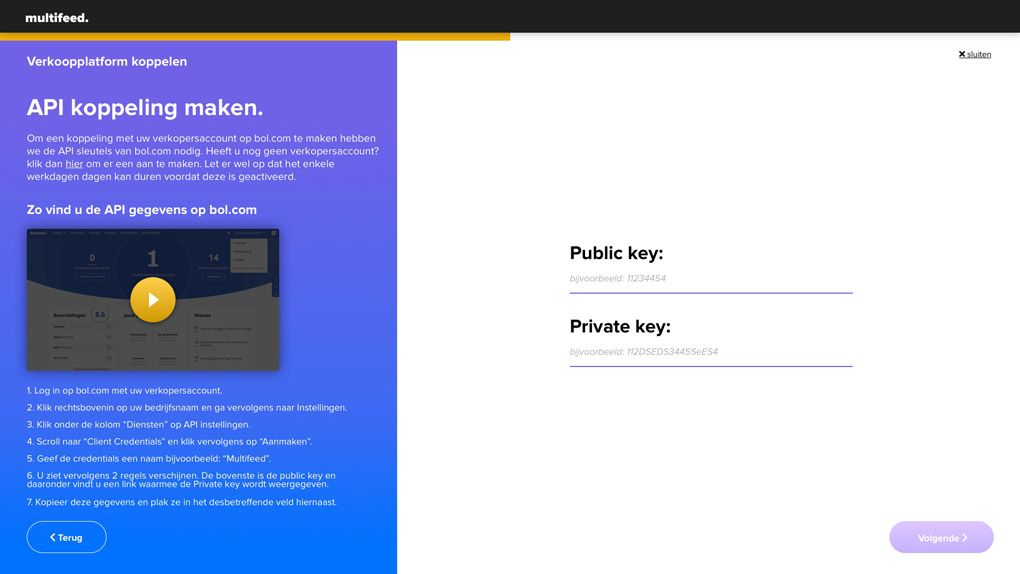
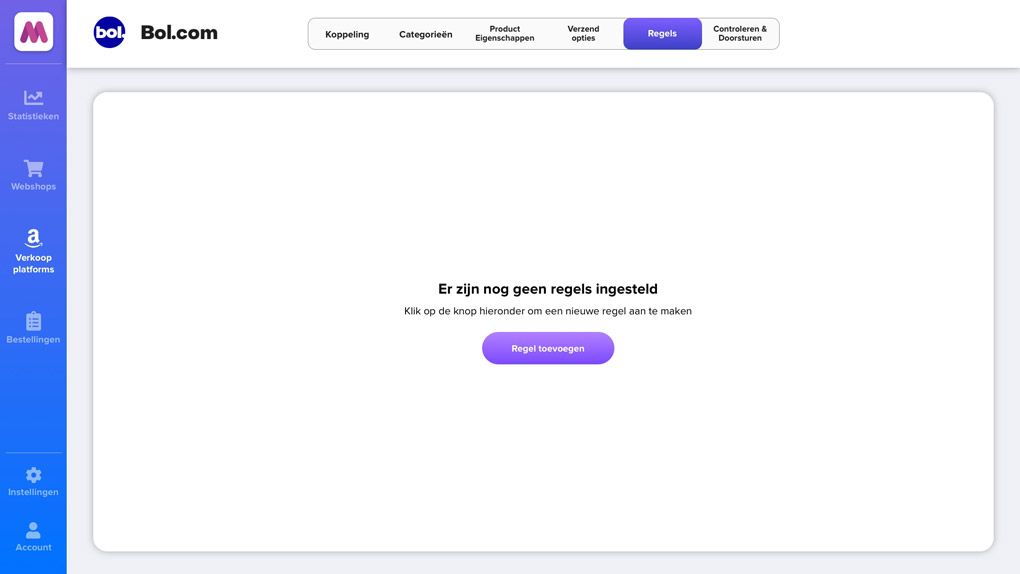
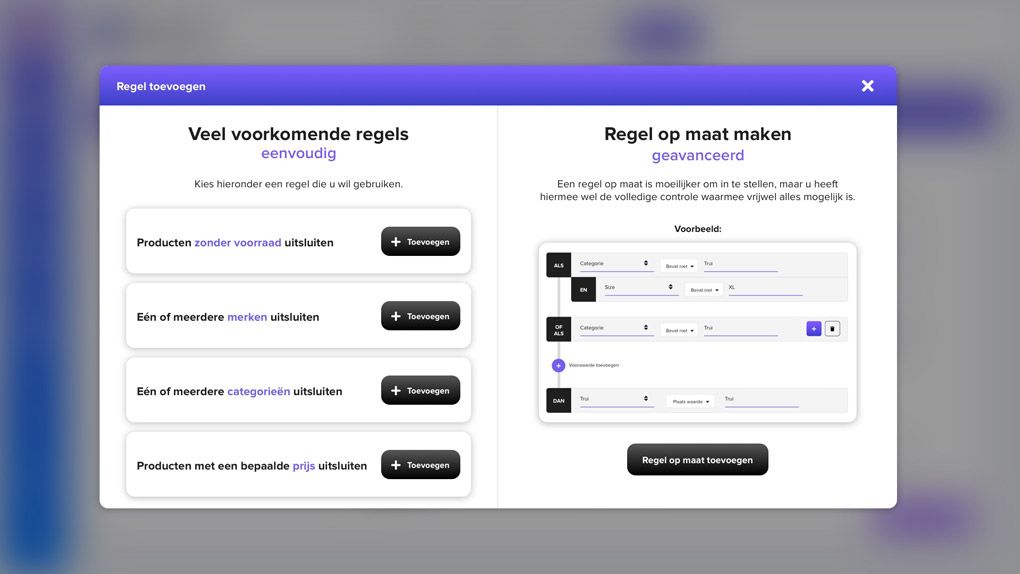
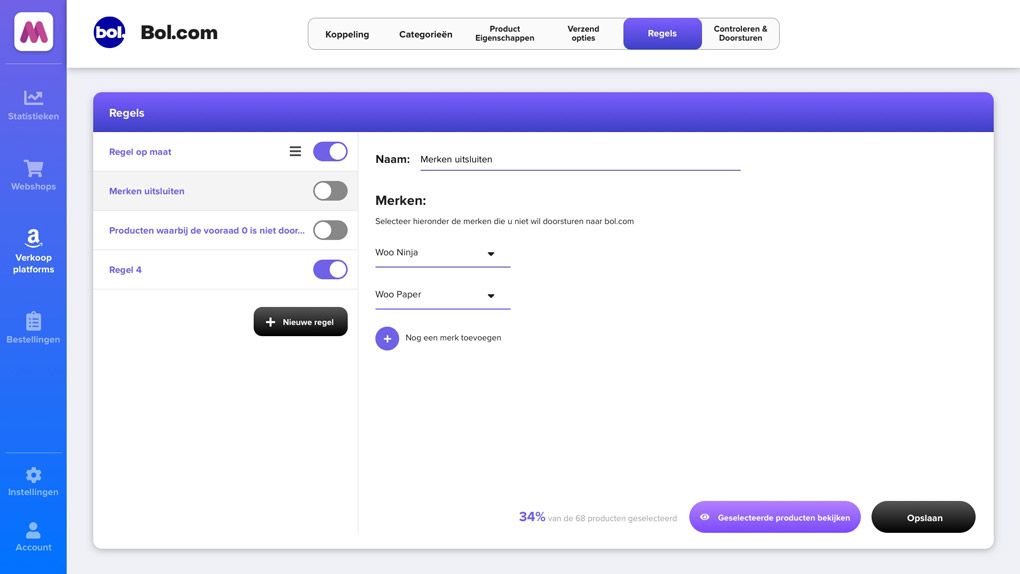
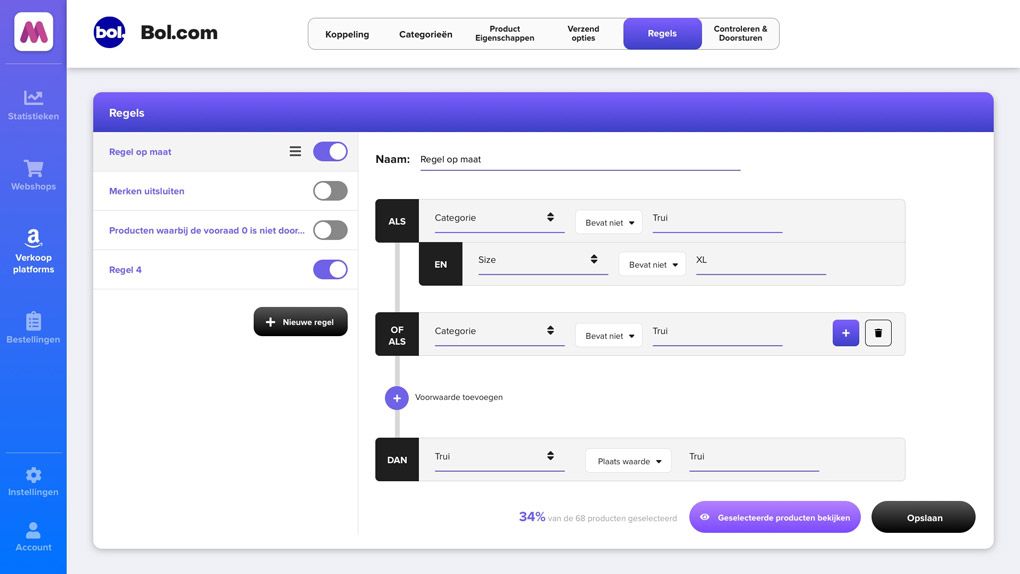
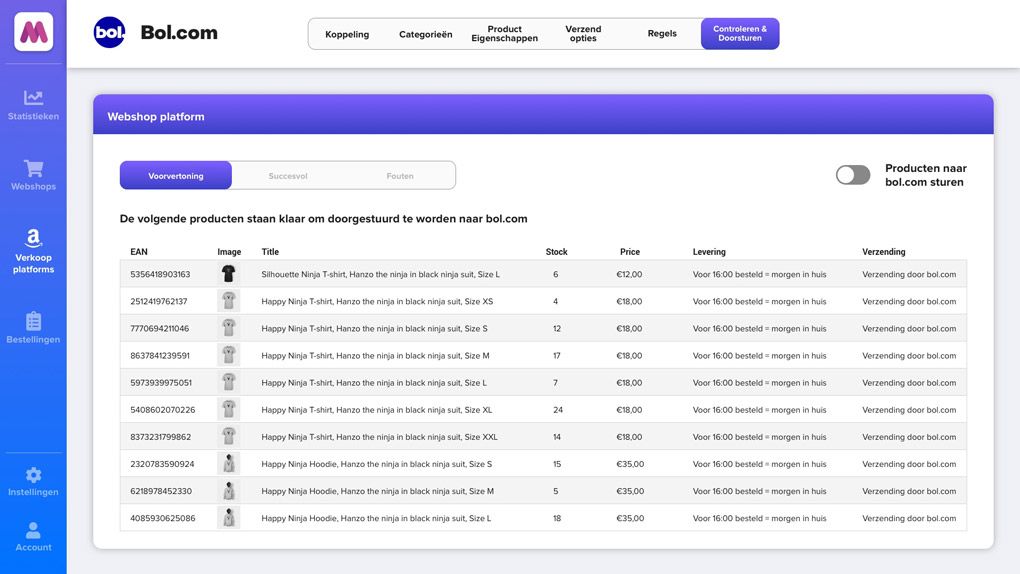
This video is also available on Youtube
In the end I made multiple clickable prototypes and tested them with Dutch micro entrepreneurs. I have used the results of the user tests to continuously improve the prototype.
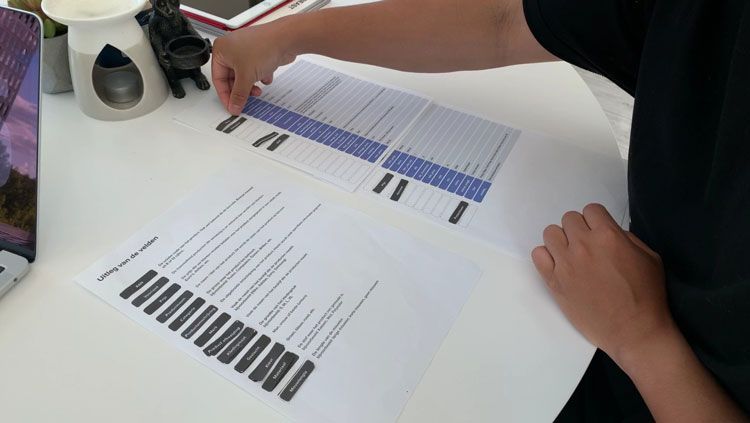
Paper prototype testing
After testing the last prototype, the Micro entrepreneurs were very enthusiastic about the ease of the application. Here and there there were still some points for improvement, but in general the users understand what is expected of them and each candidate is sure that they can offer products from their webshop on different marketplaces without the help of an internet marketing agency.